
01 — Understand
See what deserves your attention.
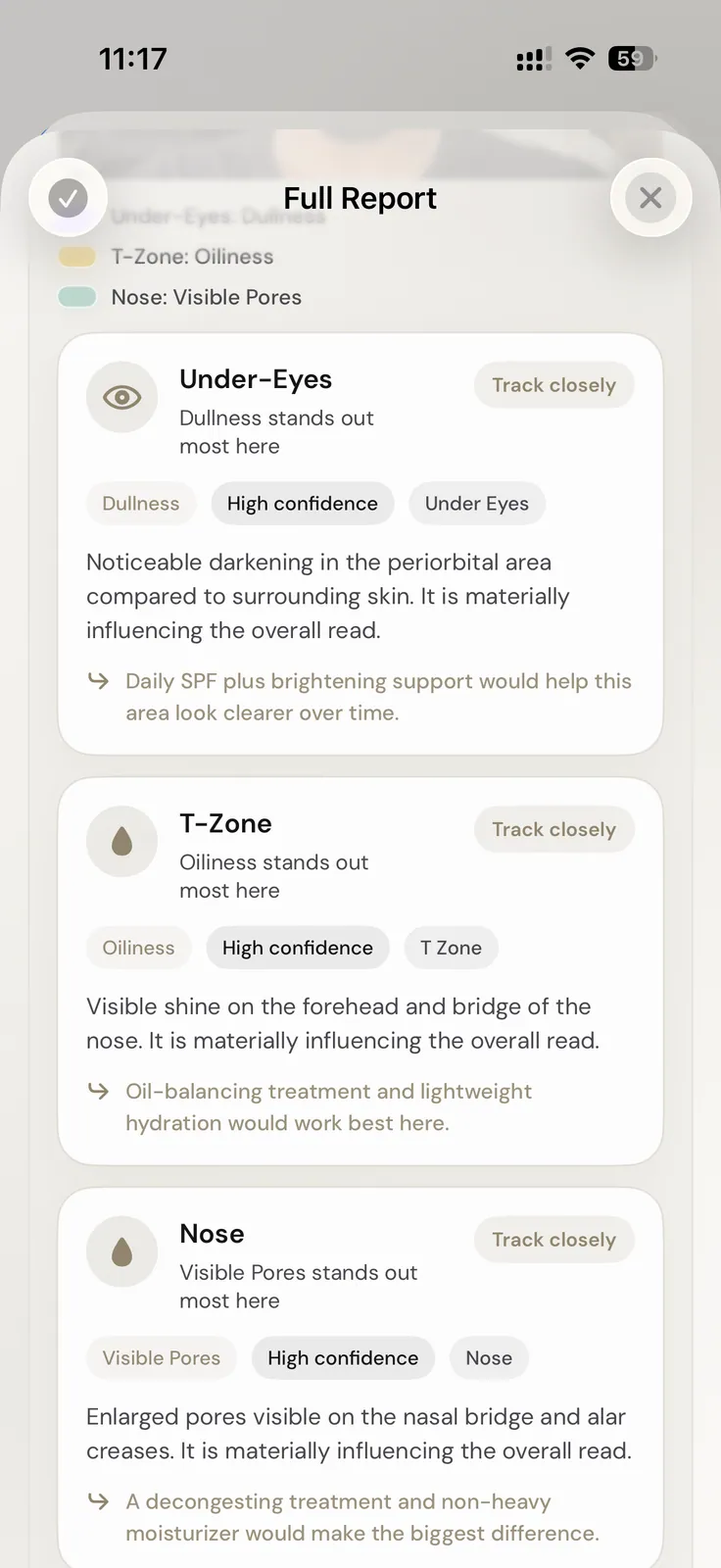
Skinora translates a guided skin scan into clear, non-diagnostic observations, so you can focus on the concerns that stand out instead of chasing every trend.
Priorities, not a score
The problem Skinora solves
Skincare advice is everywhere. Clarity is not.
Too much noiseConflicting trends make every purchase feel urgent.
Too many stepsComplex routines are hard to evaluate and harder to repeat.
Too little contextA product list is not useful if it never explains why.
Inside the app
Each part of Skinora is designed to remove a decision, explain a recommendation, or make the plan easier to follow.
01 — Understand
Skinora translates a guided skin scan into clear, non-diagnostic observations, so you can focus on the concerns that stand out instead of chasing every trend.
02 — Build
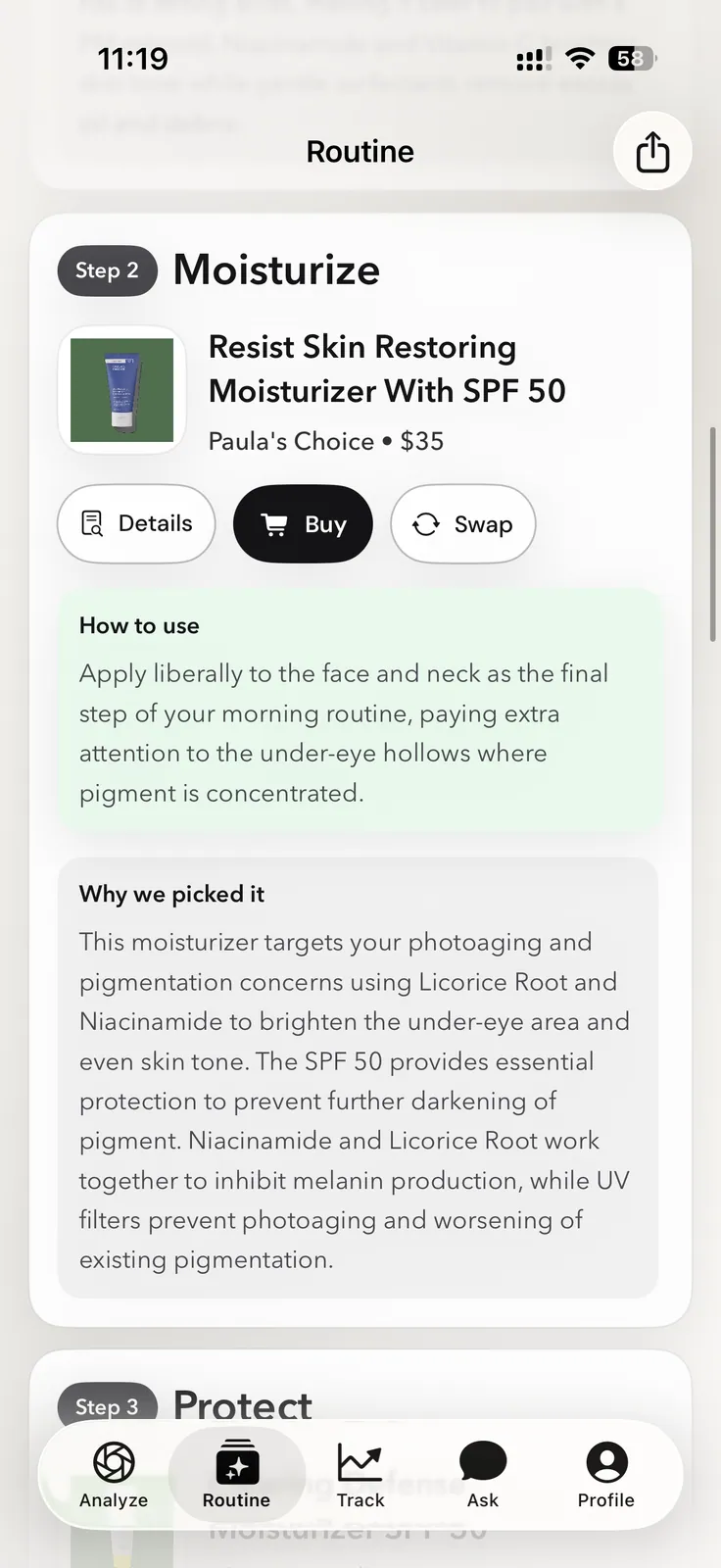
Get a focused morning and evening plan with clear order, how-to guidance, and reasoning for each step. Fewer decisions. Less shelf chaos.
03 — Choose
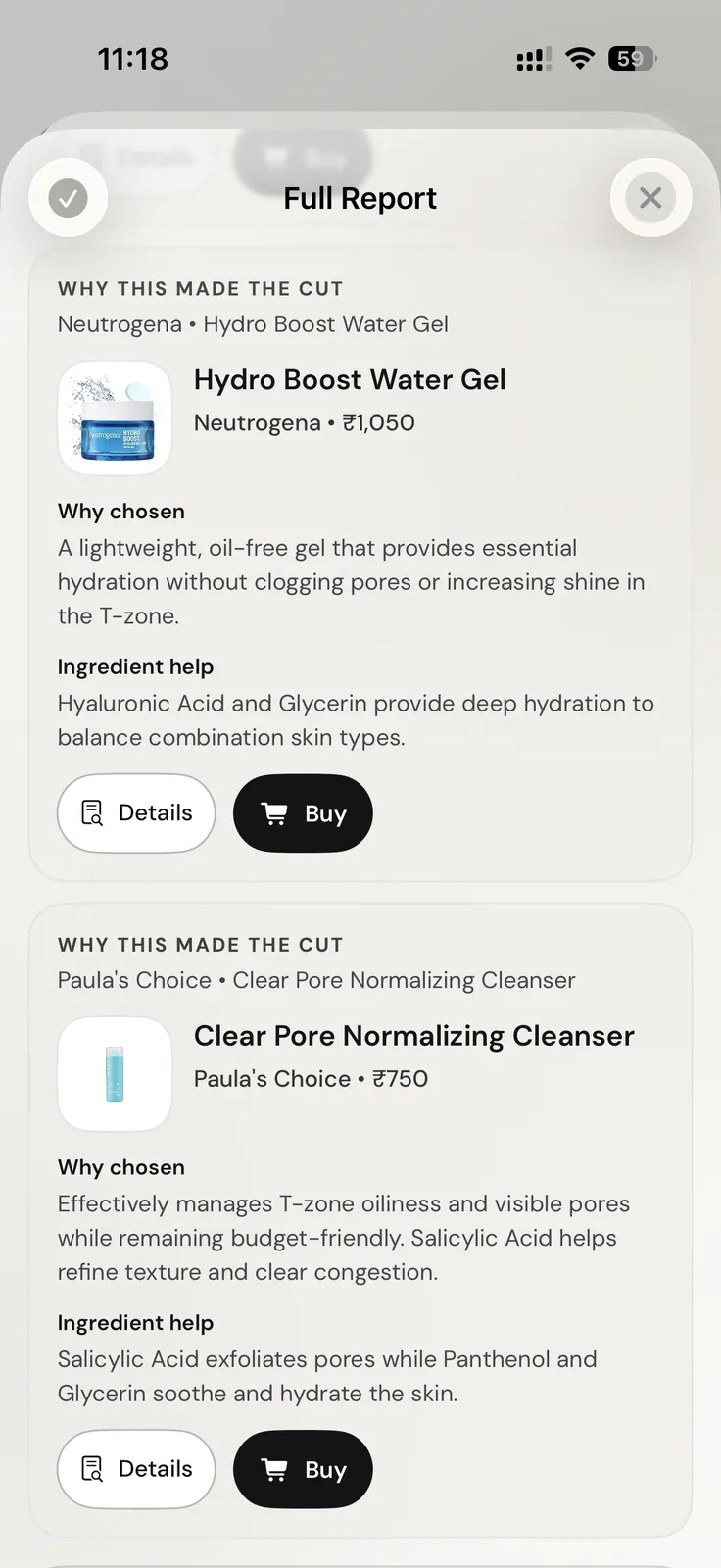
Explore recommendations selected from 10,000+ products. Each pick explains its role, ingredients, fit, and tradeoffs, while your budget and preferences keep the advice practical.
04 — Stay consistent
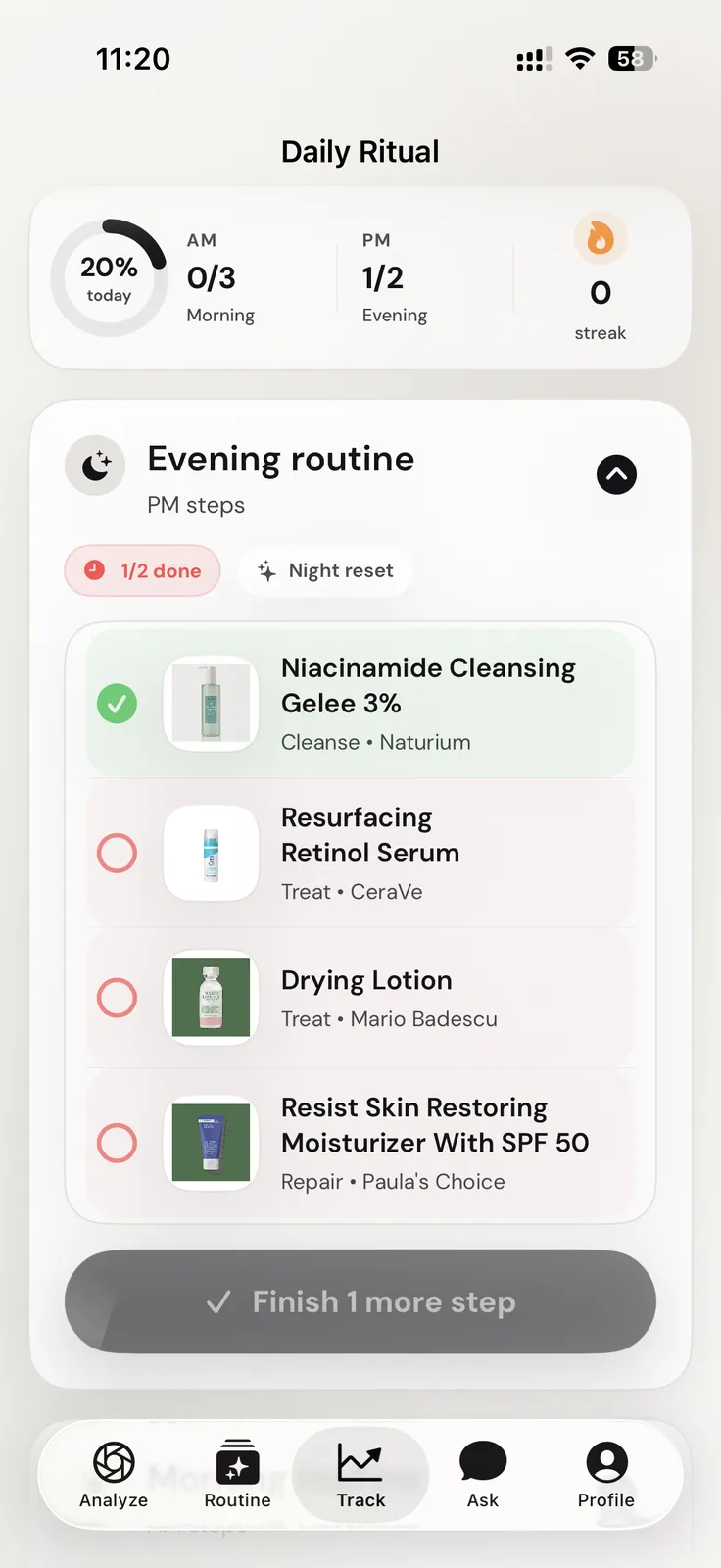
Check off the routine you actually completed, build a repeatable rhythm, and review changes over time under similar conditions.
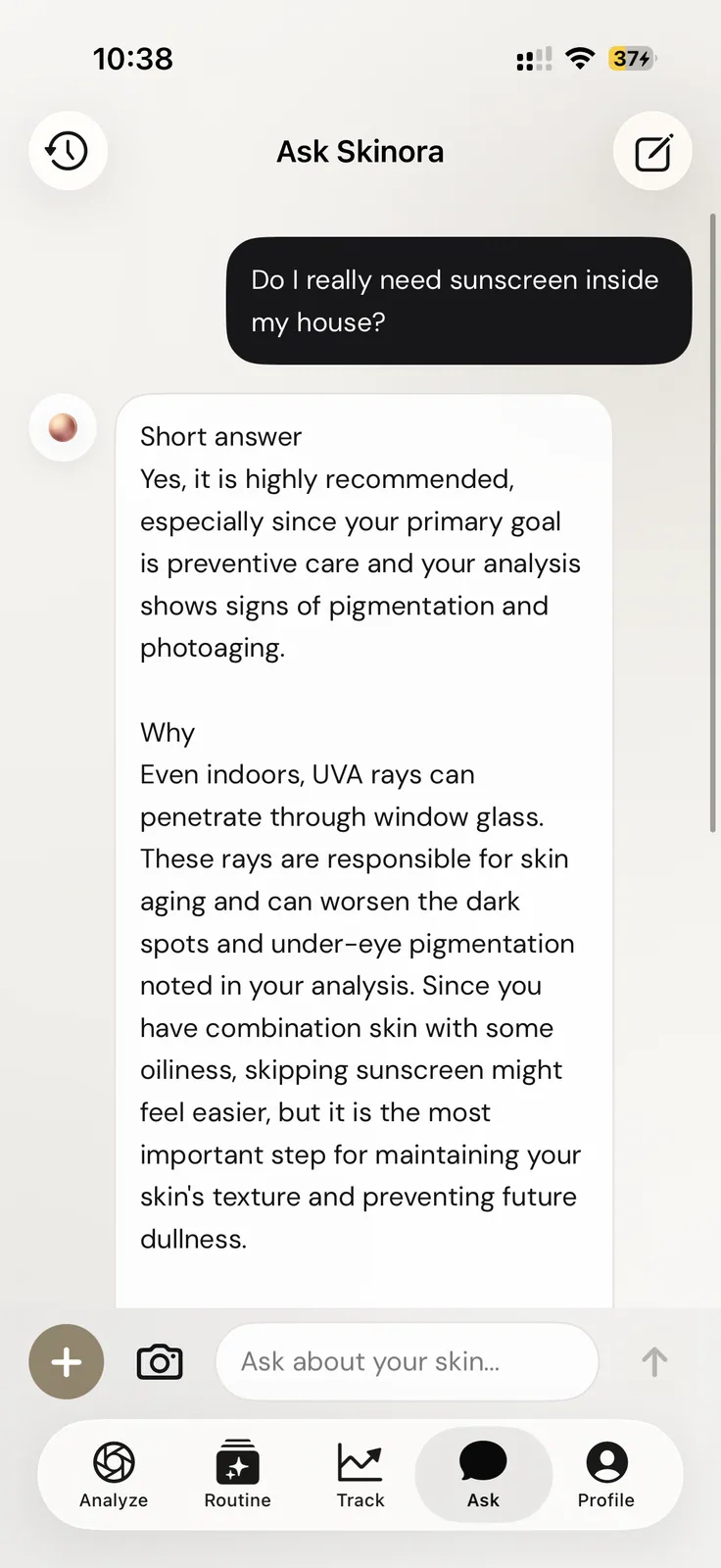
05 — Ask
Ask questions about your routine and receive answers grounded in the profile and observations already in Skinora, with clear boundaries around medical care.
How it works
Skinora is structured around a simple loop: capture better context, understand what appears relevant, then take a measured next step.
Follow guided lighting, angle, and framing cues for a more consistent skin scan.
Review visible concerns and plain-language context without a diagnostic label.
Follow a focused routine, understand the picks, and track what you actually repeat.
Designed with boundaries
Skinora is for cosmetic skincare organization, not medical certainty. Clear explanations, visible limits, and a path to professional care are part of the product.
No disease labels or claims that a phone photo can replace an examination.
Recommendations explain their role, fit, and practical tradeoffs.
Simple foundations and gradual changes come before aggressive stacking.
Saved scans, routines, and history live on your device and can be deleted whenever you choose.
Skinora skincare guides
 3 min read
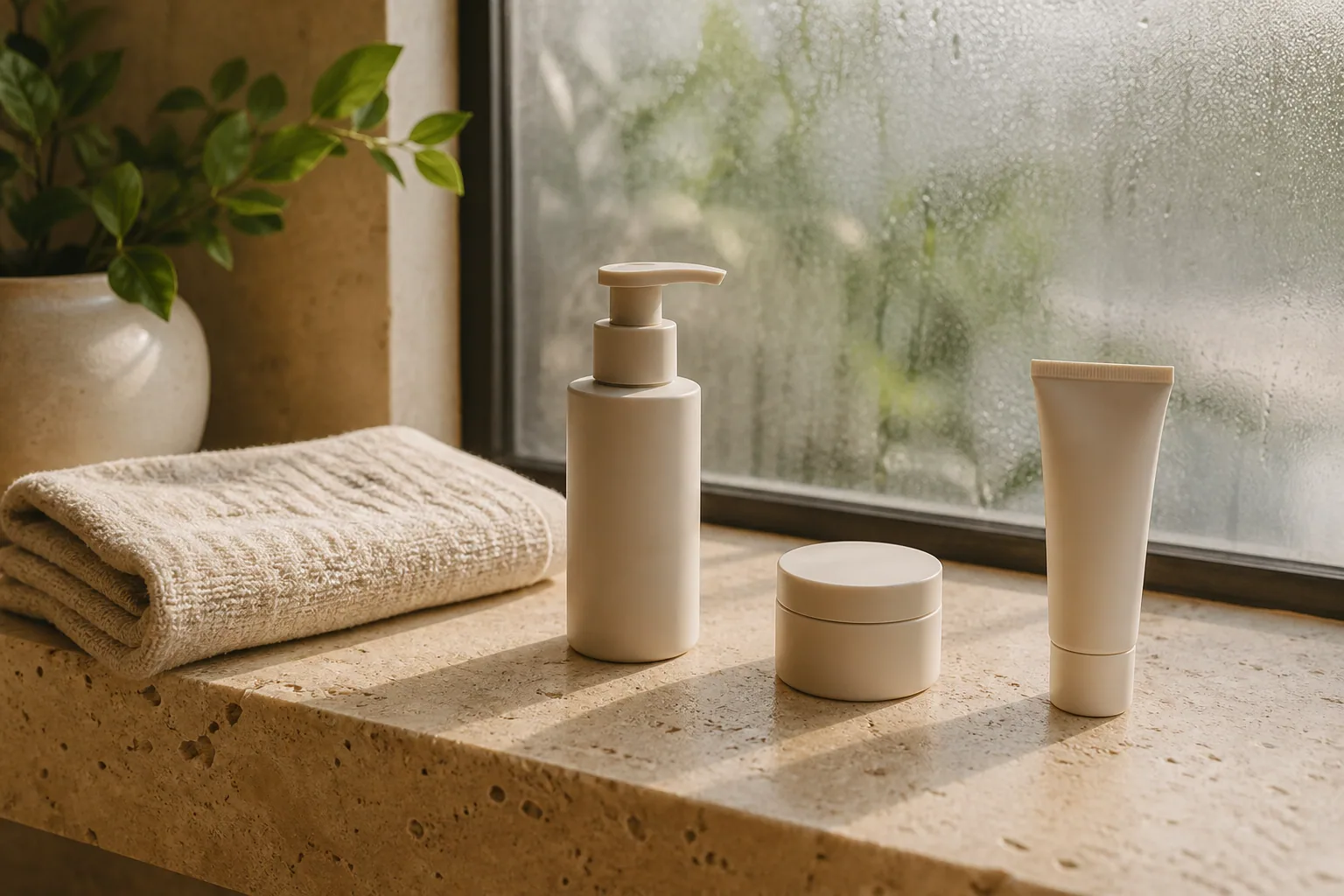
A smaller routine repeated consistently beats a complicated shelf you avoid.
Read article 3 min read
Why visible priorities and plain-language context are more useful than chasing a perfect number.
Read article 3 min read
A practical way to think about indoor UV exposure without turning it into an all-or-nothing rule.
Read article 3 min read
A measured guide to a popular ingredient that does not need to be in every step.
Read article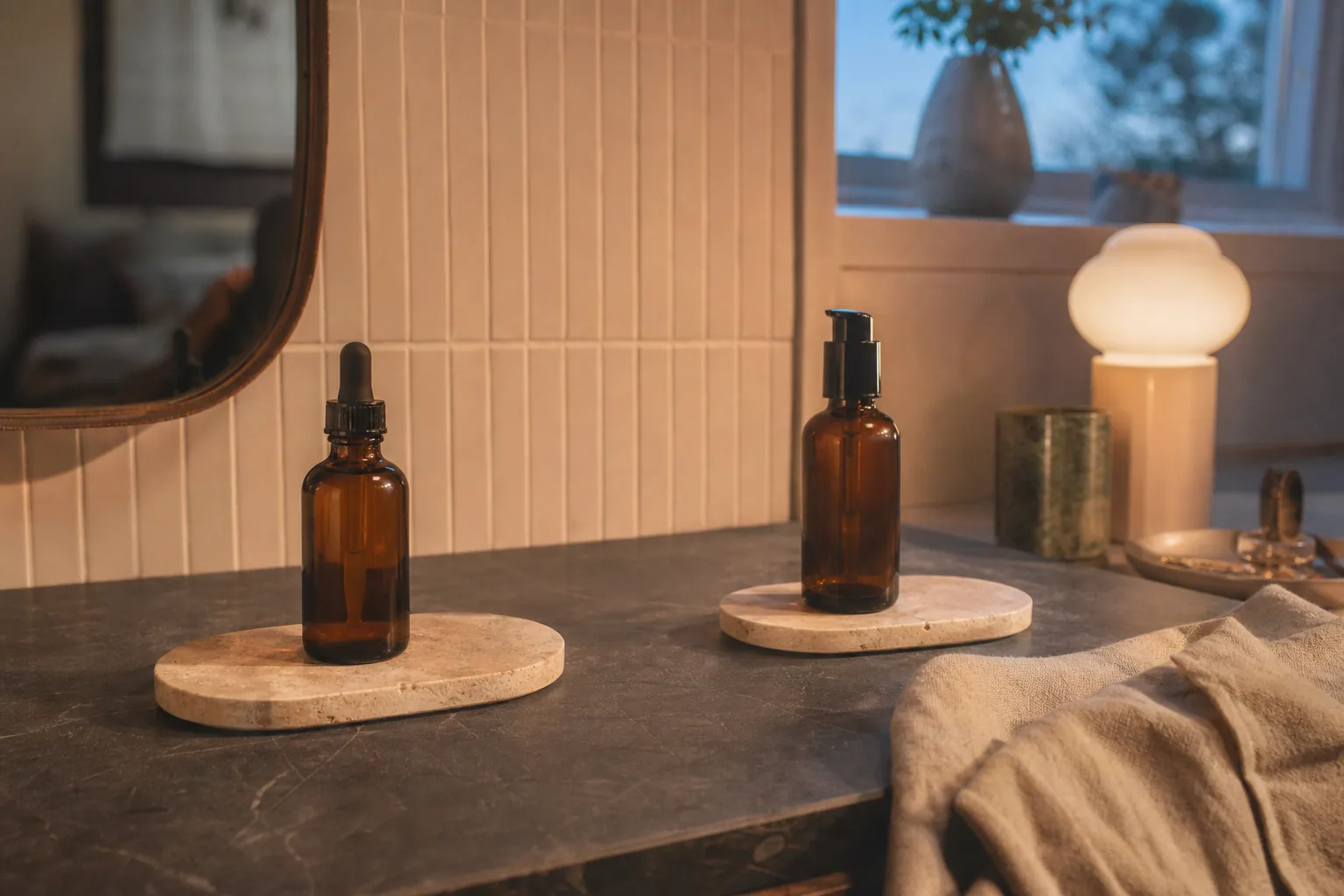 3 min read
How to reduce unnecessary irritation when introducing strong actives.
Read article 3 min read
Texture, humidity, and comfort matter as much as the ingredient headline.
Read article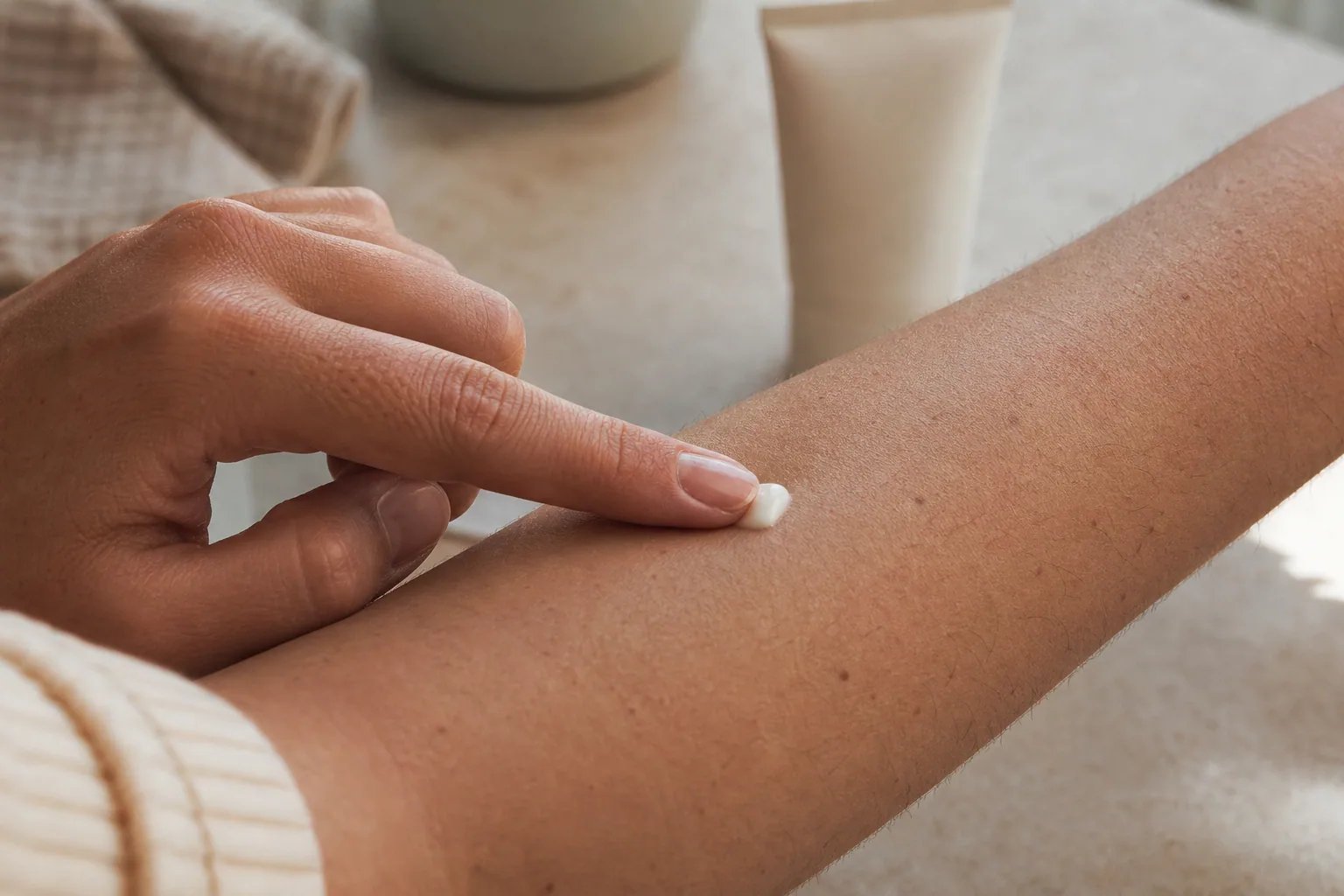 3 min read
Patch testing cannot predict everything, but it can make experimentation less chaotic.
Read article 3 min read
Cleanse, support, protect: a flexible framework for busy mornings.
Read articleQuestions, answered
What Skinora can do, what it cannot, and how your recommendations and photos are handled.
No. Skinora offers cosmetic skincare guidance and organization. It does not diagnose, treat, or replace a qualified medical professional. Seek professional care for persistent, painful, rapidly changing, or otherwise concerning skin symptoms.
The app reviews visible cosmetic patterns in the photos you provide and combines them with your profile and goals. Results depend on image quality, lighting, and the information you share.
Skinora compares 10,000+ products using the routine step, your stated goals, sensitivity, climate, product attributes, and budget. Every suggestion includes a reason so you can make the final decision.
Skinora can help organize a gentle cosmetic routine, but medical conditions need professional evaluation. The app is not designed to identify or manage disease.
Saved scans, routines, history, and profile information live locally on your device. When you request an analysis, the selected photos and relevant context are securely sent to Skinora’s processing service and its AI provider only to return that result. Raw scan photos are not intentionally retained on Skinora servers after the request is complete. You can delete local data from Settings or by deleting the app.
Skinora is available now for iPhone on the App Store. Use any Download on the App Store button on this website to open the official listing.